Retail
How to check visual merchandising compliance across hundreds of stores
ZealMint · · 6 min read
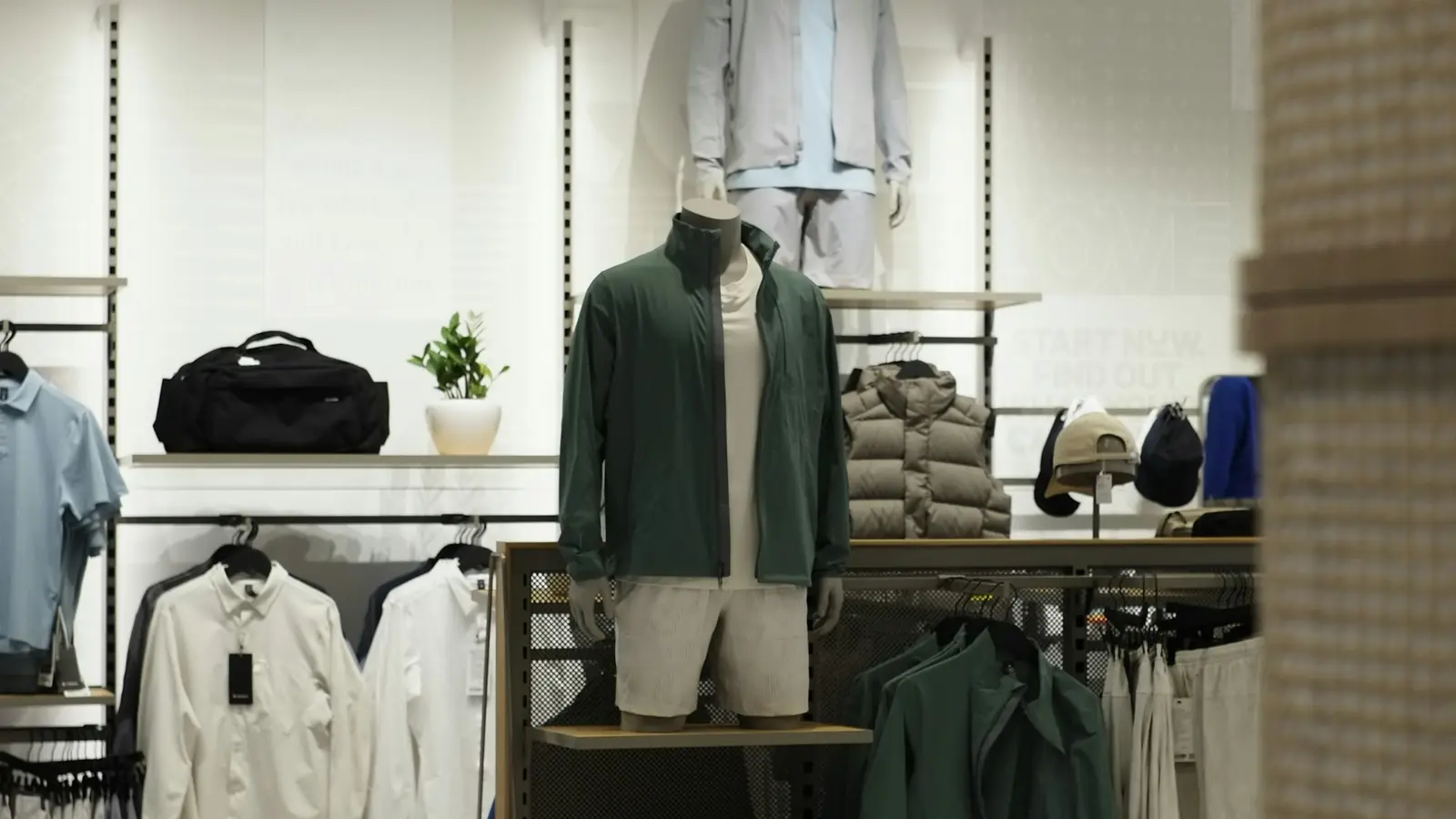
To check visual merchandising across many stores, turn the VM guide into a short checklist of photos, each saying in words what it must show, send it to every store with a due time, and check each photo as it's taken rather than scrolling a WhatsApp group afterwards. Then compare stores side by side and visit the ones that slipped.
Why is VM compliance hard to see from head office?
A campaign or planogram goes out to every store on Monday. By Wednesday, a WhatsApp group has a few hundred photos in it, at different angles, some from last month, and nobody has time to look at them all. The stores that didn't post are invisible, and the ones that did aren't checked.
Area managers fill the gap with visits, which is the most expensive way to find out a window wasn't put up.
How do you turn a VM guide into checks?
Each page of the guide becomes one or two photo questions, written as what the photo must show:
- Window: complete, lit, no torn or crooked graphics.
- Focus display: fully stocked, campaign signage on.
- Bay: the right planogram up (its code read from the sheet or screen), facings counted, no gaps.
- Signage: no torn, faded or ended-offer signs.
- Price: the shelf tag, MRP and till screen in line.
Keep it short. Five checked photos a store beat thirty unchecked ones.
What can AI check in a store photo, and what can't it?
It can check a photo against a written description (is the window complete and lit?), count facings and empty shelf spaces, and read text: a planogram's code, a shelf tag, an MRP, a price on the till screen.
Be careful with claims beyond that. Comparing a store photo pixel-for-pixel with a planogram image or a campaign brief is a harder problem, and judging whether each product sits in exactly the right spot is often still a yes or no that staff answer. Ask any vendor what their AI actually compares the photo with.
How do you run a campaign launch day?
- Send one launch checklist to every store, a region or chosen stores, with a due time.
- Check each photo as it's taken, so a store with a torn graphic retakes it after fixing it, not after head office notices.
- Watch the board fill up: which stores are done, late or failed, by zone.
- Send the area manager to the stores that aren't done, with the photos already in hand.
What about wrong shelf prices?
Price mismatches between the shelf, the MRP and the till cost trust and, sometimes, a consumer complaint. A simple check: staff test-scan an item at the till, photograph the screen, and photograph the shelf tag. Reading all three and comparing them catches the mismatch without a POS integration.
How ZealMint does it
ZealMint Operations AI ships planogram, campaign launch, shelf availability and shelf price checklists for retail. Each photo is checked as it's taken against what you say it must show, facings and gaps are counted, and tags, MRPs and till screens are read. It doesn't compare against a reference image or connect to a POS. See visual merchandising and retail execution.
Questions
What is visual merchandising compliance?
Whether each store's windows, displays, bays and signage match the visual merchandising guide head office sent, checked store by store.
Can AI check a display against a planogram?
It depends on the tool. Many can check a photo against a written description, count facings and read the planogram's code; comparing against a planogram image is a different, harder capability. Ask which one you're getting.
How do you stop stores sending old photos?
Require photos from the in-app camera, stamped with the time and place, rather than uploads from the gallery.