Food safety
Why kitchen temperature logs get filled in from memory, and how to stop it
ZealMint · · 5 min read
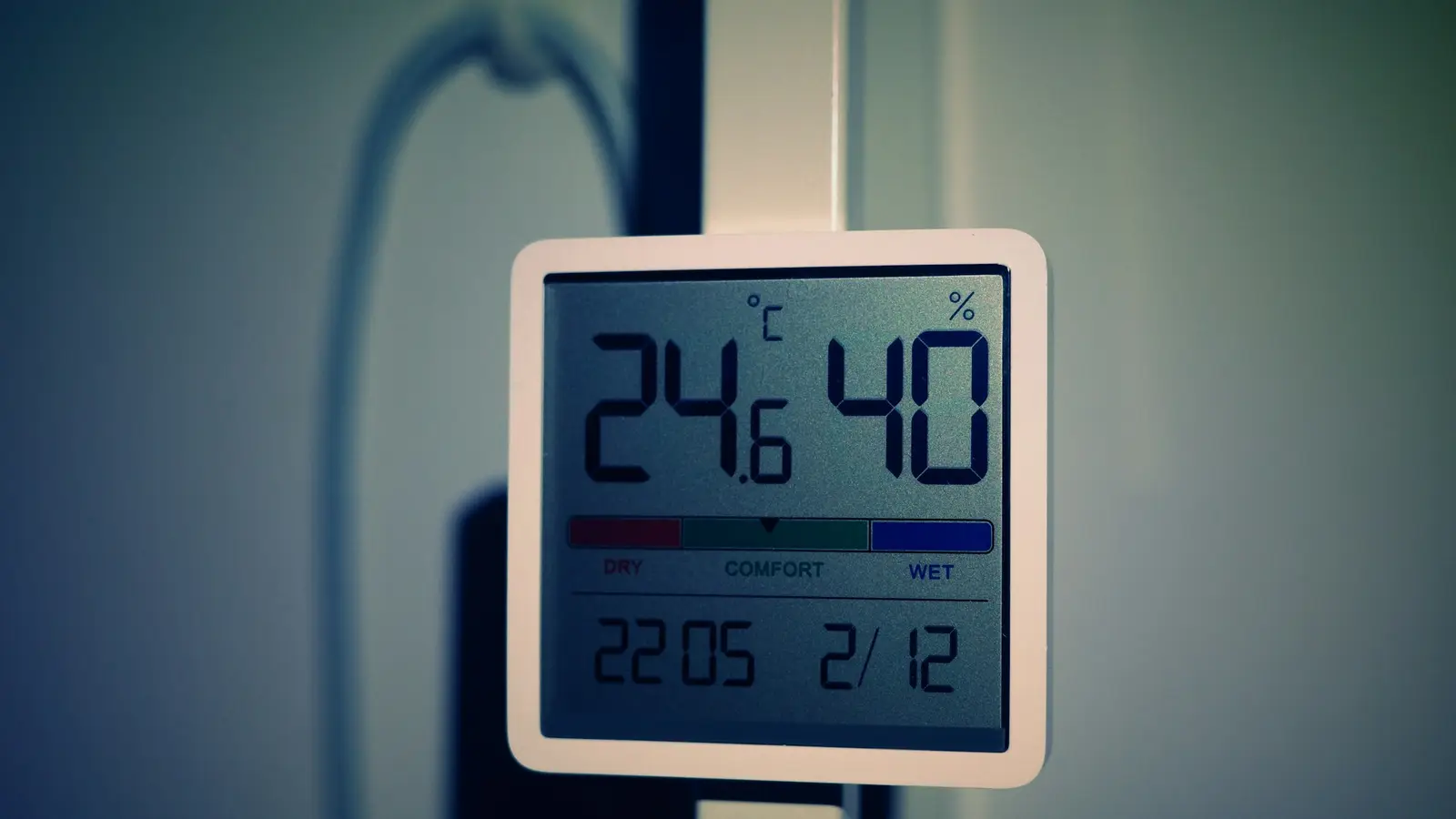
Temperature logs get filled in from memory because writing the number down is a separate job from reading it, done at a quiet moment rather than when it's due, and nobody checks it against the display. The fix is to make the reading and the record the same act: a photo of the display, taken when it's due, with the number read from it and checked against the limit.
What does a log filled in from memory look like?
Every chiller at 4 °C. Every freezer at −18 °C. Every morning, the same handwriting, the same pen, the whole week's rows looking suspiciously neat. Kitchen teams sometimes call it pencil-whipping: filling the log to satisfy the log.
Real equipment drifts. Doors are opened during prep, deliveries are loaded, compressors cycle. A log with no variation at all is more likely a log nobody looked at the display for.
Why does it happen?
It's rarely bad intent. It's how the job is set up:
- The reading and the record are separate. Someone glances at the display during service and means to write it down later.
- The log is filled at a quiet moment, usually close, when the number is a guess.
- Nothing checks the number. A typed 4 °C looks the same as a real 4 °C, so there's no feedback either way.
- Nobody sees a missed reading until the audit, by which time it's weeks of rows to reconstruct.
How do you make every reading real?
- Make the photo the record. Ask for a photo of the display or probe for each reading, taken in the app when it's due.
- Read the number from the photo. If the software reads the display itself, the logged number is the number on the screen. If staff type it as well, compare the two.
- Check the limit on the spot. A reading outside its limit should be flagged while the person is still at the unit, so they act: move the stock, call maintenance, raise a ticket.
- Schedule by unit. Each chiller, freezer and hot counter has its own reading at its own time. A QR code on the unit opens the right check.
- Look for missed readings daily, by outlet, so a gap is a conversation that afternoon, not a finding at audit.
Does this matter for FSSAI?
Yes. Six of the ten critical questions on FSSAI's Hygiene Rating checklist are temperatures: thawing, cooking, cooling, holding, reheating and transport. See the 10 critical questions for each limit.
How ZealMint does it
In ZealMint Operations AI, staff photograph the display or probe. AI reads the number, fills it in and compares it with what they typed, and a reading outside your limit is flagged. Each check is kept with its photo, time, place and who did it. See it on the kitchen food safety page.
Questions
What is pencil-whipping a log?
Filling in a checklist or log without doing the check, usually from memory or habit, so the record looks complete but doesn't reflect what happened.
How often should chiller temperatures be logged?
As often as your SOP and food safety plan require, per unit. The point is that each reading is taken when it's due, not filled in later.
Can AI read a thermometer from a photo?
Yes. A clear photo of a digital display or probe can be read by AI, and the number compared with the limit and with what was typed.